MetaHuman
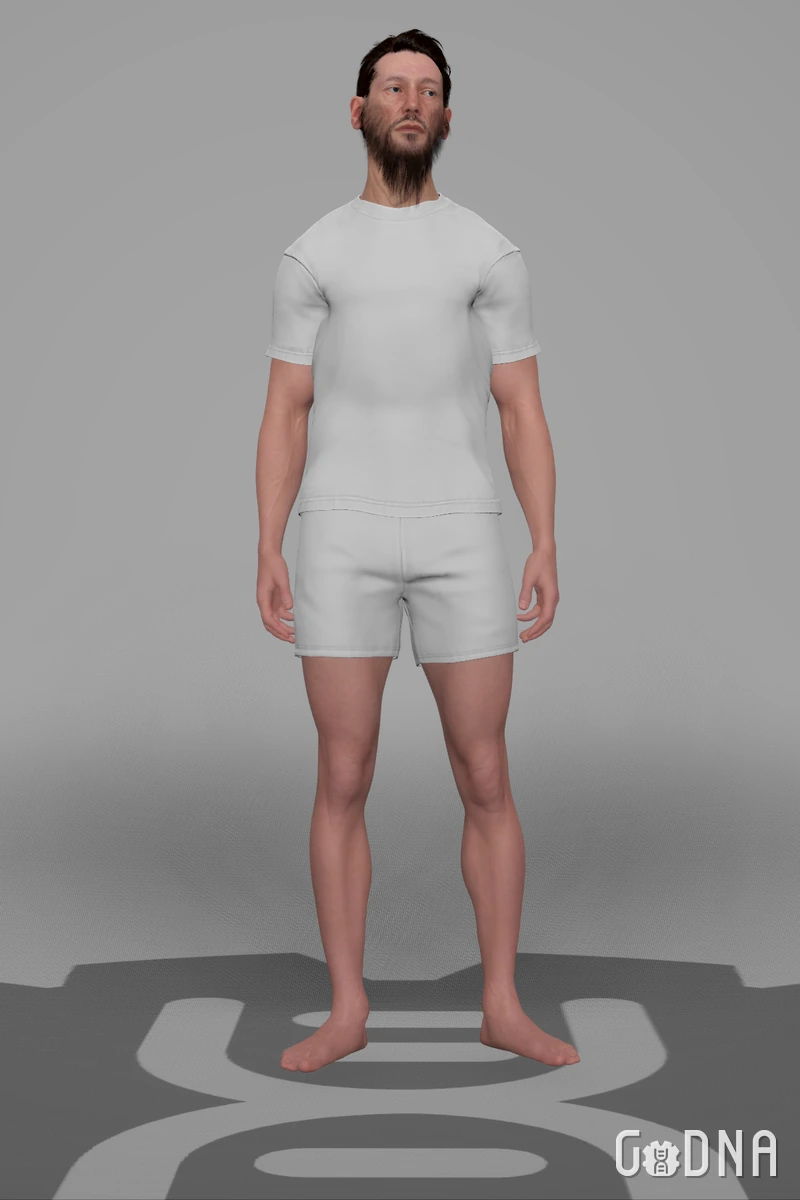
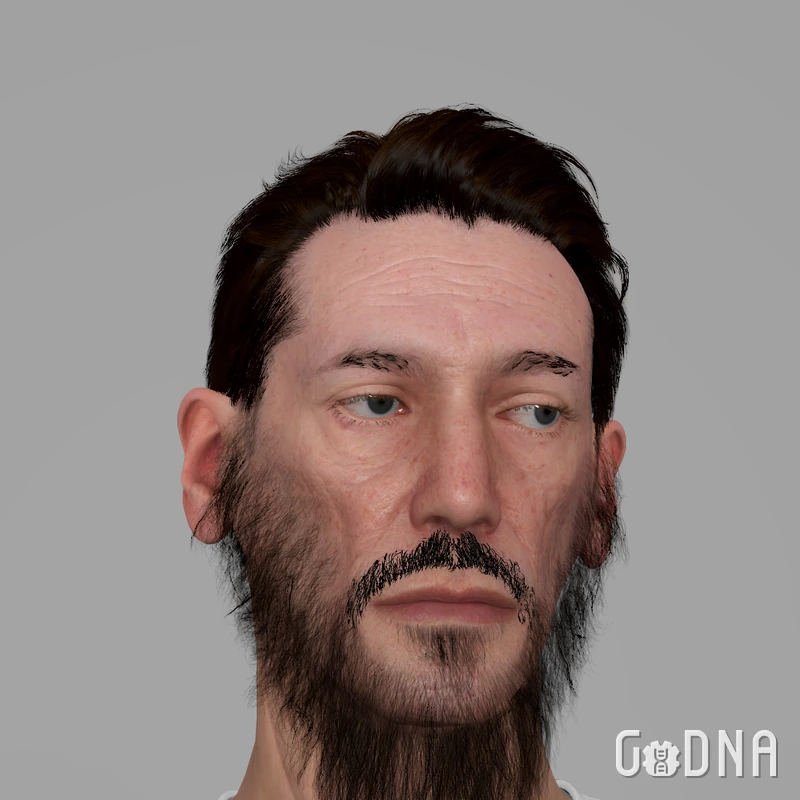
Characters made in Unreal's MetaHuman Creator (Unreal Engine 5.6 or later) are what GoDNA was built for: they come in complete, with the face rig baked into 52 ARKit face shapes and every material on GoDNA's shaders.
What you need
- Unreal Engine 5.6 or later with the GoDNA Human Exporter plugin (free on Fab; see Installation).
- A character made in MetaHuman Creator inside Unreal, assembled into its Blueprint (
BP_<Name>). - The GoDNA addon in your Godot project.
Licensing
Your MetaHumans are covered by Epic's MetaHuman and Unreal Engine license terms, not by GoDNA. GoDNA is import technology and owns no rights in them. See Epic's terms for MetaHuman.
1. Check the character (optional)
Select the Blueprint in the Content Browser and choose Tools > GoDNA > Check Compatibility of Selected Character. A MetaHuman Creator character is normally fully compatible. If it's rated partially compatible, the report says what would be left out and how to change that. See Compatibility check.
2. Export it from Unreal
- Select the Blueprint (for example
BP_Ada, usually in/Game/MetaHumans/Ada/). - Choose Tools > GoDNA > Export Selected Character (or right-click the Blueprint > GoDNA).
- Pick a folder. The character goes in its own subfolder,
<folder>/Ada/. - Wait for the dialog that sums up warnings and errors. The export takes a minute or two: the face poses are evaluated from the face rig, and every texture is written out.
See Unreal exporter for what is exported and what the warnings mean.
3. Import it into Godot
- In the GoDNA tab (every edition), open the Characters drawer and click Import Character....
- Pick
Ada.gdnain the export folder. GoDNA copies what it needs intores://GoDNA/humans/Ada/. - Wait for the first import (textures are compressed and the face shapes are baked), then click the character's tile to load it.
Without the GoDNA tab, copy the export folder into your project yourself: the .gdna imports like any model. See
Characters and import options.
What you get
- Skeleton: one
Skeleton3Dwith about 100 bones named like Godot's humanoid profile, twist bones included. The face's hundreds of joints are folded into the face shapes. - Face: 51 ARKit shapes (all but
mouthClose) on the face, teeth, eyelashes and the hair cards that sit on the face, so brows and beards move with expressions. Eye bones turn with the look shapes. GoDNA Pro. - Materials: skin with subsurface scattering, detail and cavity maps; eyes with refraction; teeth; hair cards; cloth. Set up from the parameters of the Unreal materials. See Skin, eye and teeth shaders.
- Hair: the groom's hair cards (hair, brows, beard, mustache, eyelashes), bound to the face like Unreal's groom binding.
Then
- Make it move: Retargeting animations for body clips, Face Studio for face takes, the Animation Combiner for both together.
- Adjust the look in Groom, Outfit and Skin Studio.
- Changed the character in Unreal? Export it again and import it again: what you baked in the GoDNA tab is kept (see Exporting again).