Character Creator (CC4 / CC5)
Characters from Reallusion Character Creator 4 and 5 import straight from Character Creator's FBX export: no Unreal step. Their materials come from Character Creator's own settings, their expressions become the 52 ARKit face shapes, and a motion made in iClone comes along, body and face.
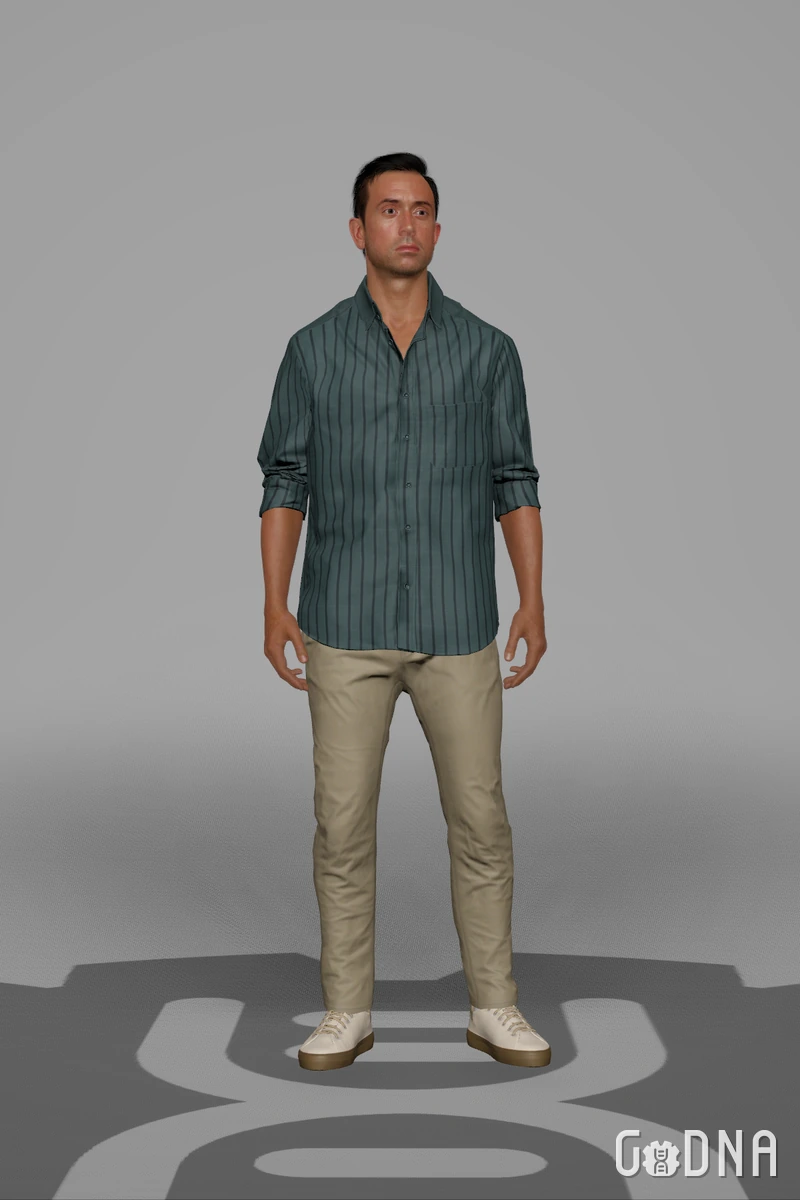
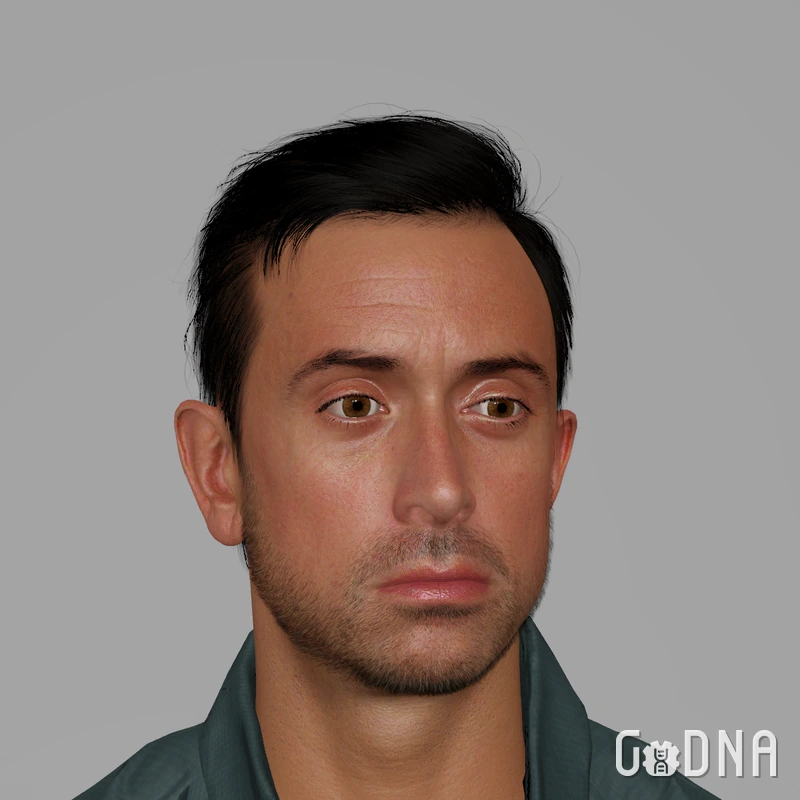
Aaron (CC5, realistic)
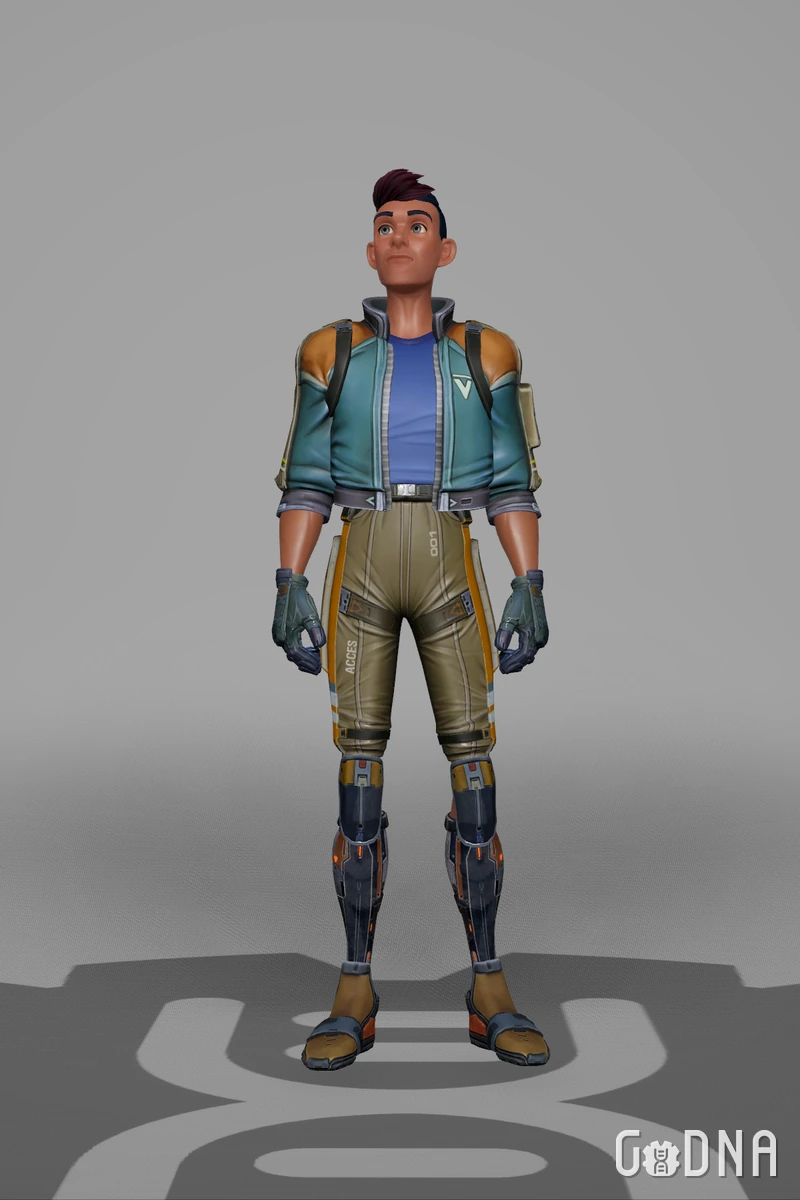
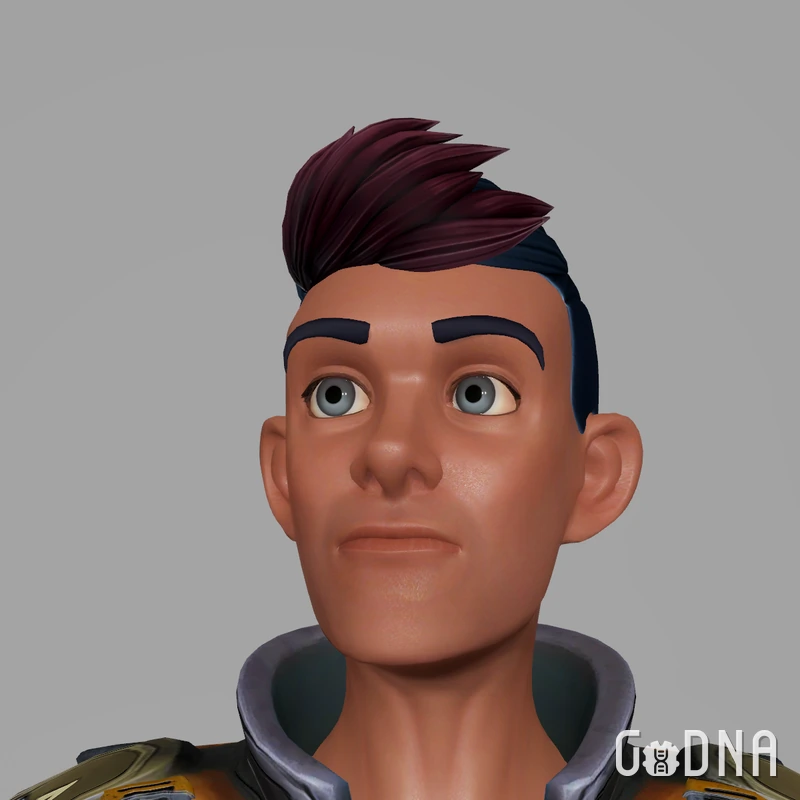
Eddy (CC4, stylized)
What you need
- Character Creator 4 or 5 (or iClone, for a character with a motion).
- For face shapes: a face with CC4 Extended or CC5 HD expressions (Character Creator's facial profile). Other faces import without face shapes.
- The GoDNA addon in your Godot project.
Licensing
Your Character Creator characters, and the content in them, are covered by Reallusion's license agreement and the licenses of the content you used, not by GoDNA. GoDNA is import technology and owns no rights in them; it isn't affiliated with Reallusion. Check that content you bought allows export to another engine, and ask Reallusion before building a player-facing character customizer from its content. See Reallusion's terms for Character Creator.
1. Export from Character Creator
Export the character as FBX with the Unreal target preset, with its textures. Character Creator writes three things side by side, and GoDNA needs all of them:
<folder>/
  Aaron.fbx        # meshes, skeleton, expressions (and the motion, from iClone)
  Aaron.json       # materials and expression bone moves
  textures/        # the texture maps
Keep them together: without the .json the character comes in with placeholder materials and no jaw motion.
With an iClone motion
To bring an animation along, put the motion on the character's timeline in iClone and export the character as FBX with its motion. The motion imports as the character's own animation (see below).
2. Import it into Godot
- In the GoDNA tab (every edition), open the Characters drawer and click Import Character....
- Pick the
.fbx. GoDNA copies it with its.jsonandtextures/intores://GoDNA/humans/<Name>/and writes a.gdnafor it. - Wait for the first import, then click the character's tile.
Importing the same character again (for example after changing it in Character Creator) asks before replacing it, and keeps what you baked in the studios.
What you get
- Skeleton: Character Creator's skeleton follows Unreal's names, so GoDNA recognises it: about 93 bones, with the twist, eye, jaw and toe bones kept and the helper and face bones folded away.
- Face: all 52 ARKit shapes, built from the character's own expressions (CC4 Extended or CC5 HD names). The jaw, teeth and tongue move inside the shapes the way Character Creator moves them, and the eye bones turn with the look shapes. The face, teeth, tongue, brows, lashes, stubble and hair all follow. GoDNA Pro.
-
Materials: one per Character Creator material, on GoDNA's shaders:
Character Creator shader GoDNA shader Skin, head ( RLSkin,RLHead)Skin, with Character Creator's roughness and colour settings Eyes ( RLEye)Eye, with the sclera map and brightness, iris size and the darker eye corners Hair, brows, lashes, beards ( RLHair)Hair, with the root and tip colours and both dyes Eye occlusion, tear line Their own overlays: the soft shadow around the eyes and the wet line on the lids Clothes Cloth, with the colour tint Character Creator puts over the texture Everything can be adjusted afterwards in Groom, Outfit and Skin Studio.
Its own animation
A motion exported from iClone plays on the character's AnimationPlayer under the character's name: the body
retargeted like any animation, the face's expressions as ARKit shapes. In GoDNA Pro:
- Character Animations shows it under In its file, to preview it or leave it out (Import it).
- Body Studio, Face Studio and the Animation Combiner get copies of its body and face, to combine with other clips.
The held "Open A" pose Character Creator puts in every export is not an animation and is left out.
Known differences
- Props rigged to bones of their own (a helmet, a weapon), which Character Creator exports even when they're hidden, import hidden, with a note in the Import Report. Show the node in the scene to use one.
- Strand hair (Character Creator's HD hair) isn't imported; hair cards are.